
Whenever there is a technical problem or error in the application, you should follow the instructions below in order to solve it from Virtway Events::
In PC or Mac
If you are using a PC or Mac:
1. To find out what the problem was, you must send us the text file generated when you enter the platform. This file is automatically generated and saved on your computer every time you access the platform. The error log is a file that appears with the name virtwayevents.log on your computer. Usually, it is on this path: "C:\ProgramData\Virtway\virtwayevents\"
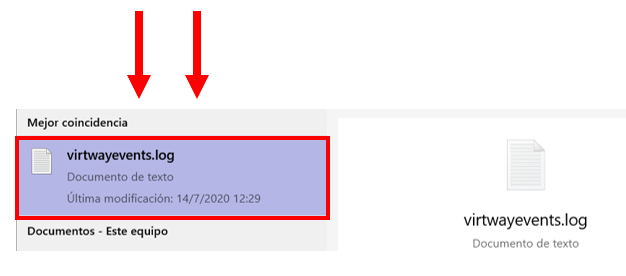
Search for the text document virtwayevents.log through the files on your computer.
2. Locate the file on your computer and change its name from "virtwayevents.log" to your personal name (last.first.log). Then, send it to your Virtway Events contact person. This way, we will be able to see records of any relevant activities occuring in the virtual platform, and be able to determine the problem.
In Android or iOS
If you are using mobile phone or tablet, the instructions in order to obtain the virtwayevents.log file are the following:
- Click on the setting button within the list of scenes.

- Click on "Support" button.

Virtway Events generally uses this procedure when there is an error using the platform.